
From the notebook
Hybrid Microsoft Sign-In Architectures Compared: PHS, PTA, Federation, and AD FS
A technical guide to Password Hash Synchronization, Pass-Through Authentication, and federation with AD FS or PingFederate, centered on where validation really happens.
Overview
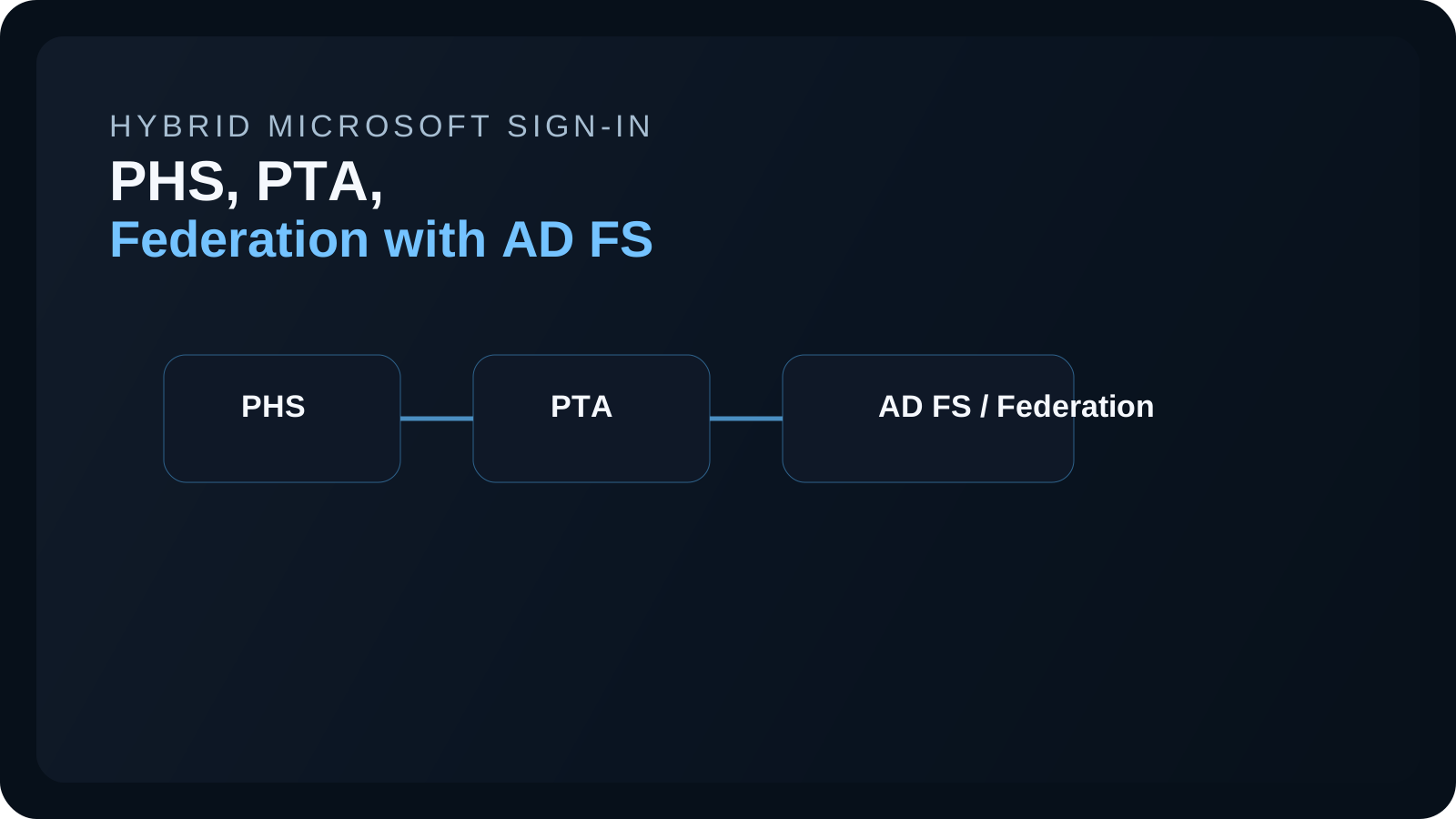
Hybrid Microsoft identity design becomes much easier to reason about once you stop asking whether an organization is "using Active Directory" or "using Entra" and start asking a more precise question: where is the primary credential actually being validated at runtime?
That question is what separates Password Hash Synchronization, Pass-Through Authentication, and federation. All three can begin with the same on-premises identity source and end with the user opening Microsoft 365. But they do not put the same systems in the runtime path, and they do not fail in the same way.
The main references for this category are What is password hash synchronization with Microsoft Entra ID?, User sign-in with Microsoft Entra pass-through authentication, and What is federation with Microsoft Entra ID?.
What this category includes
These are not authentication protocols. They are architectural patterns for cloud sign-in when the source identity originates in on-premises Active Directory but the applications and services the user needs are in Microsoft Entra or Microsoft 365.
All three models usually share the same starting point. User objects originate on-premises. Directory data is synchronized to Microsoft Entra. Users browse to Microsoft cloud services for access. The architectural difference is what happens at the moment the user enters a password or otherwise proves identity for cloud access.
That design choice changes resilience, support ownership, incident response, and recovery planning. Two organizations can both say they are hybrid, but one may continue cloud sign-in during an on-premises outage while the other may lose access immediately.
Password Hash Synchronization
Password Hash Synchronization, or PHS, is the model in which Microsoft Entra can validate the password in the cloud by using synchronized hash-derived material. Microsoft explains in the PHS documentation that this is not equivalent to copying a clear-text password to the cloud. The synchronized value is derived from the on-premises password hash rather than being the user's original password itself.
From an architectural point of view, PHS means Microsoft Entra is both the cloud sign-in front end and the runtime password-validation authority. A user browses to Microsoft 365, enters a password on the Microsoft sign-in page, and Entra performs the validation using synchronized data without needing to ask a domain controller in real time whether the password is correct.
This is one reason PHS is often the most resilient of the three mainstream models. Once synchronization is healthy, the runtime sign-in path has far less dependency on on-premises infrastructure. If the local datacenter is degraded, users can often continue to sign in to cloud services because the password validation step is already available in Entra.
The backend flow is straightforward but important. Microsoft Entra Connect captures password changes from Active Directory and synchronizes hash-derived material to Entra. At sign-in time, Entra compares the submitted password to that synchronized representation. If validation succeeds, Entra continues with the rest of its control plane, including multifactor authentication, Conditional Access, sign-in risk checks, and token issuance.
The tradeoff is not visual but architectural. The organization is deciding that cloud-side password validation is acceptable and beneficial for resilience. For many tenants, that is the simplest and strongest operational choice.
Pass-Through Authentication
Pass-Through Authentication, or PTA, is the middle path. Microsoft Entra still owns the sign-in experience, but it does not independently validate the password. Instead, as Microsoft explains in the PTA documentation, an on-premises PTA agent retrieves encrypted validation requests and checks the password against Active Directory.
This model is often chosen by organizations that want users to see the standard Microsoft sign-in experience but do not want cloud password validation using synchronized hash-derived material. In PTA, the user still signs in through Entra, but the final yes or no on the password comes from on-premises Active Directory through the PTA agent path.
A practical example is an organization that wants to keep live credential validation anchored to on-premises domain controllers while still using Microsoft Entra for cloud sign-in orchestration, Conditional Access, and token issuance. The user goes to Microsoft 365, enters credentials on the Microsoft sign-in page, and the request is then securely routed to a PTA agent for validation.
The backend design matters here. Microsoft Entra encrypts the validation request and places it into the secure request queue used by PTA agents. An on-premises PTA agent retrieves the request over outbound connectivity, validates the password against Active Directory, and returns the result to Entra. Only after that does Entra continue through multifactor authentication, Conditional Access, and token issuance.
This means the sign-in page being cloud-hosted does not mean password validation is cloud-hosted. It also means that a login incident in a PTA tenant may be caused by agent health, outbound connectivity, Active Directory reachability, or local domain controller problems even when the user experience starts entirely in Microsoft Entra.
Federation with AD FS or PingFederate
Federation is the most explicit separation of responsibilities. In this model, Microsoft Entra recognizes that the user's domain is federated and redirects the browser to an external identity provider such as Active Directory Federation Services, or AD FS, or PingFederate. Microsoft documents this pattern in What is federation with Microsoft Entra ID?.
The most important architectural fact is that Microsoft Entra is no longer the primary credential-validation authority for that domain. The external federation service performs the authentication step and returns a token or assertion that Entra trusts.
The classic enterprise example is a tenant with long-standing AD FS investment, custom smart-card requirements, or historical claims rules that are still business-critical. A user browses to Microsoft 365, Entra detects the federated domain, and the browser is redirected to AD FS. AD FS authenticates the user and returns the resulting trust artifact. Entra then uses that result to issue the cloud tokens needed for Microsoft 365 access.
In the backend, the federation system becomes part of the critical path for cloud sign-in. Federation service certificates, proxy reachability, claims issuance logic, endpoint health, and name resolution all become dependencies for Microsoft 365 login. If the external federation service fails, users can lose cloud access even though Microsoft Entra itself is healthy.
Federation therefore offers maximum control over primary authentication behavior, but it also creates the largest dependency surface and the most operational complexity of the three mainstream models.
Comparing the models
The simplest comparison is to ask one question of each design: who gives the final yes or no on the user's password?
With PHS, Microsoft Entra answers that question in the cloud. With PTA, Microsoft Entra orchestrates the sign-in but an on-premises PTA agent validates the password against Active Directory. With federation, an external identity provider such as AD FS performs the authentication step and Entra trusts the result afterward.
Once you frame the designs that way, the rest becomes easier to reason about. PHS usually gives the strongest cloud resilience because it has the fewest runtime dependencies on on-premises systems. PTA preserves on-premises validation while avoiding a full federation farm, but still depends on on-premises agents and directory health. Federation gives the most direct control but also the broadest operational blast radius.
How support teams should think about incidents
This category matters as much for troubleshooting as it does for architecture. In a PHS tenant, sign-in failures usually push you first toward synchronization health, cloud-side account state, Microsoft Entra sign-in logs, or policy evaluation. In a PTA tenant, you need to add PTA agent health, request queue retrieval, outbound connectivity, and domain controller validation to the early checks. In a federated tenant, many of the first real troubleshooting steps belong outside Entra because the external federation provider is the true authentication authority.
That is why it is risky to document all cloud login issues as generic "Microsoft 365 sign-in problems." Hybrid sign-in architecture determines where the proof is validated and therefore where incident response should begin.
Key implementation points
- PHS, PTA, and federation are sign-in architectures, not authentication protocols.
- The central design question is where primary validation happens during cloud sign-in.
- PHS reduces runtime dependency on on-premises systems, PTA keeps on-premises validation in the loop, and federation delegates primary authentication to an external identity provider.
- Troubleshooting and recovery planning should always reflect the architecture the tenant actually uses.
References
About the author
MU.AMicrosoft 365 / Entra Engineer
MU.A is the editorial byline for Sentinel Identity, covering Microsoft Entra, Microsoft 365, and identity administration. Send corrections or questions through the contact page.
Feedback
Was this article helpful?
Anonymous — no account or comment required.
Related reading
SAP SuccessFactors Workload Identity Migration Guide
Migrate Microsoft Entra SAP SuccessFactors provisioning from basic authentication to workload identity with staged testing, rollback, logs, and deadline checks.
External IdP Passkeys for Microsoft 365: Admin Guide
Enable external IdP passkeys for Microsoft 365 apps safely: verify federation, brokers, browsers, platform scope, rollback, and sign-in evidence.
Disable a Microsoft Entra Agent ID Blueprint Safely
Disable a Microsoft Entra Agent ID blueprint safely, contain its agent identities, preserve evidence, account for live tokens, and restore access cleanly.