
From the notebook
Changing an Active Directory Subnet’s Site: What to Verify
A subnet-to-site change can affect domain controller discovery, site-linked Group Policy, and site-aware services. Verify each separately instead of assuming a fixed convergence time.
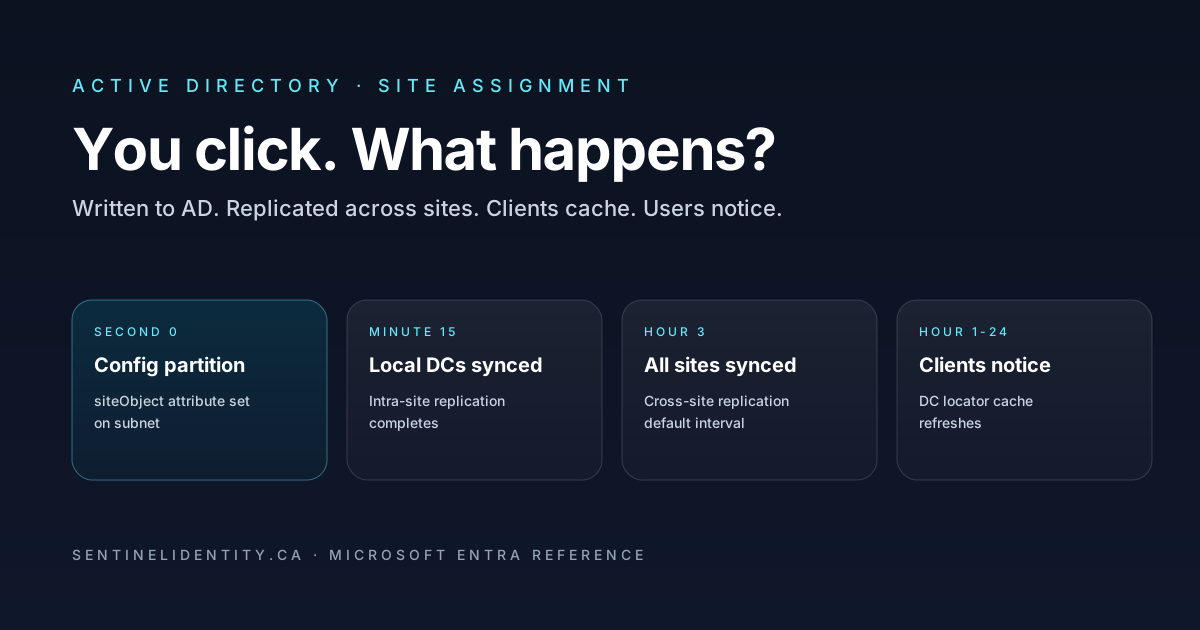
Moving a subnet to a different Active Directory site changes the network-topology information clients and services can use. It does not move computer accounts to a different organisational unit, create a local domain controller, or prove that every client is already using the desired controller.
Begin with a small, identifiable client population. Record its current observations before editing the mapping. A before-and-after record is more useful than a statement that the console now shows the expected site name.
Keep three questions separate
| Question | Evidence to collect | What the evidence does not prove |
|---|---|---|
| Does the client identify the intended site? | Client IP, matching subnet, site reported by the client | That every service has refreshed its own state |
| Which domain controller does discovery return? | Discovery result, controller site, time of lookup | That all existing application sessions moved |
| Which policies apply? | Resultant policy before and after | That the change is harmless just because sign-in works |
This separation helps avoid a common investigation mistake: using one successful lookup to close a change that also affects policy or application behaviour.
Check discovery without promising a particular controller
Microsoft documents how DC Locator uses DNS, site information, and cached discovery results. A site mapping helps discovery find an appropriate controller, but reachability, available controllers, and the requested capabilities also matter. Do not promise that a particular controller will serve every request.
On a representative domain-joined Windows client, collect:
# Replace contoso.com with the actual AD DNS domain.
nltest /dsgetsite
nltest /dsgetdc:contoso.com
Save the full output with its timestamp. Compare the returned site and controller with the intended topology. If the result is unexpected, verify the client's actual IP configuration, the subnet definition, and the availability of suitable controllers before changing another setting.
A forced discovery is a separate observation:
nltest /dsgetdc:contoso.com /forceLabel it as forced in the record. Do not describe it as proof that every running application has abandoned an existing connection. Microsoft's nltest command reference describes the diagnostic flags.
Review site-linked Group Policy
The old version of this article claimed that the same GPOs necessarily apply after a site change. That was incorrect. Microsoft describes Group Policy processing in the order local, site, domain, and organisational unit, with inheritance and precedence affecting the result. A different site can therefore introduce a different set of site-linked policies. See Group Policy processing.
Inspect links on both the old and new sites. Record any differences that could matter to the pilot population, then collect resultant policy before and after the change. For example, from an appropriately privileged command prompt:
gpresult /h "$env:TEMP\site-policy-review.html"Use distinct filenames for the before and after reports. Examine actual applied and denied policies; do not infer them solely from the site name. The gpresult reference explains the report options and scope.
Use observations, not a countdown
Do not promise that all clients converge after fifteen seconds, one hour, or three hours. Directory replication, topology, client discovery, and application connections are different mechanisms. Record which controller received the change and verify the relevant directory replicas and clients rather than treating a timer as acceptance evidence.
For each pilot client, record:
- the mapping and discovery result before the change;
- the time of the configuration change;
- the observed site and discovered controller after it;
- the resultant policy differences;
- the outcome of the specific applications or site-aware services in scope.
If an observation differs from the plan, stop expansion and investigate that difference. Avoid forcing forest-wide replication or restarting services simply to make the change appear complete.
Define acceptance and rollback first
Write down what the site change is supposed to improve. “The console looks correct” is weaker than an acceptance record showing the intended mapping, reachable services, and expected policy results for the pilot.
Keep the original subnet mapping and any separately edited policy configuration. Assign a rollback owner and an observable trigger. Restoring the mapping does not prove that clients and applications have refreshed; repeat the same checks after restoration.
Use the free identity change record to keep the observations, decision, and follow-up owner together.
About the author
MU.AMicrosoft 365 / Entra Engineer
MU.A is the editorial byline for Sentinel Identity, covering Microsoft Entra, Microsoft 365, and identity administration. Send corrections or questions through the contact page.
Feedback
Was this article helpful?
Anonymous — no account or comment required.
Related reading
Microsoft Entra Domain Services SAM Account Name Sync
Pilot Microsoft Entra Domain Services SAM account name sync safely: verify Active Directory source names, test legacy authentication, and monitor convergence.
Microsoft Entra AD Group Enforcement: Safe Pilot Guide
Pilot Microsoft Entra AD group enforcement safely: prepare every writable domain controller, audit blocked writes, test Cloud Sync, and plan rollback.
25 Active Directory Interview Questions and Answers
Twenty-five practical Active Directory interview questions with clear, technically accurate answers covering AD DS, DNS, Kerberos, replication, Group Policy, recovery, and security.